Free
$0 forever
Email alerts with your live location.
- SOS alerts by email to up to 3 contacts
- Live location link, up to 24 hours
- Add a message or photo to an alert
One Tap. Your People. Your Safety.
Send an SOS alert to trusted contacts and share your location when you need help. A simple personal safety app — your contacts don’t need to install anything.
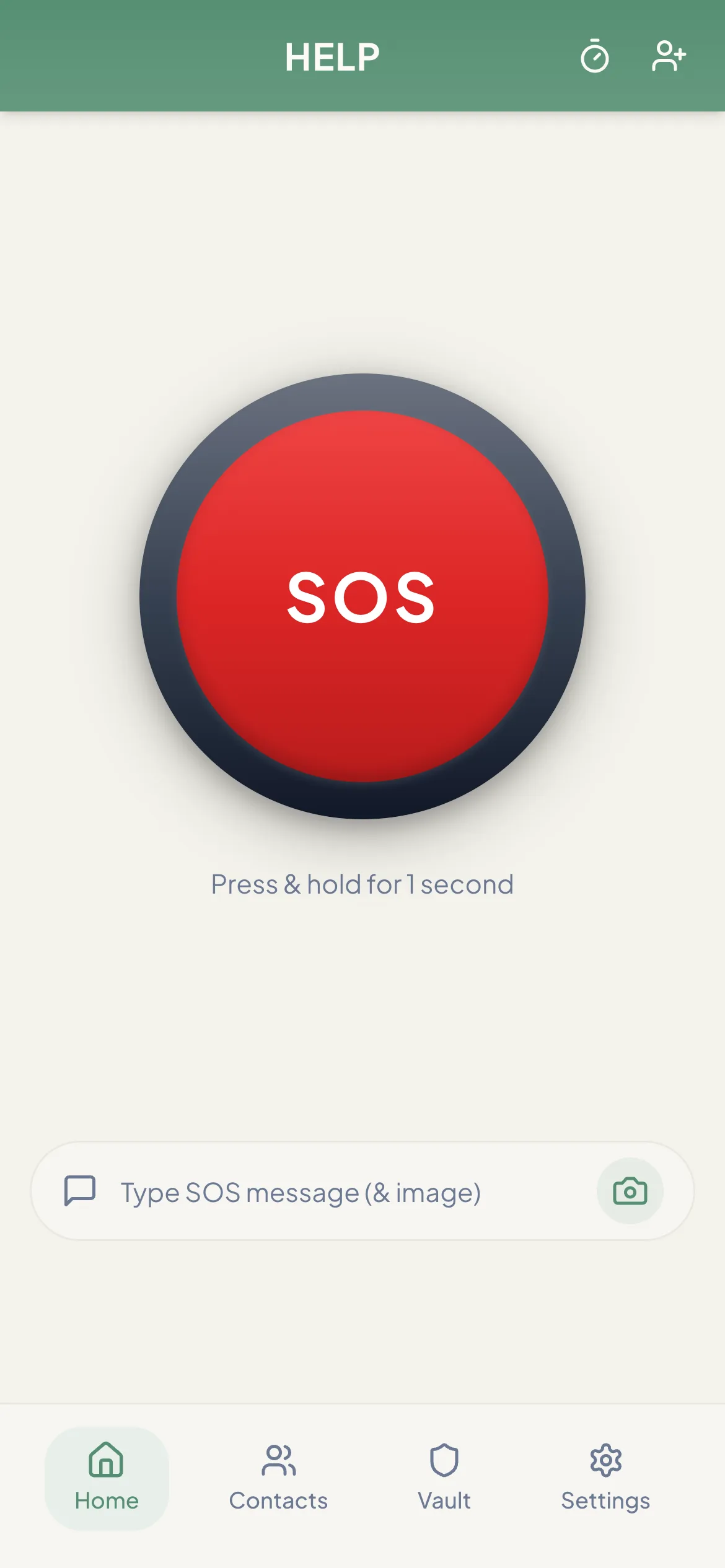
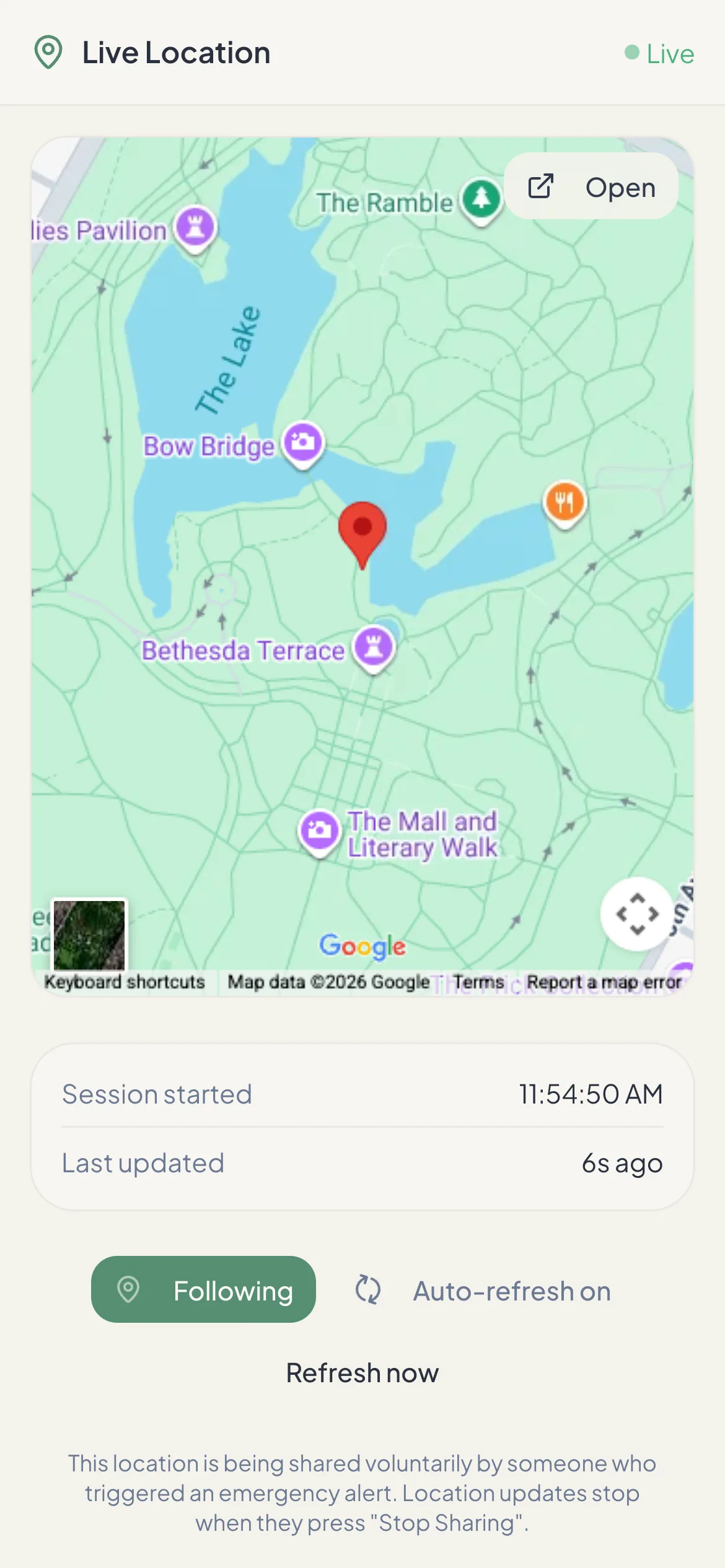
Left: the SOS screen. Right: the live map your contacts open from their alert.The OneTapAlert SOS screen. Sample data.
What it does
No dashboards, no monitoring subscription. One button, the people you trust, and your location when it matters.
Press and hold the SOS button for 1 second. OneTapAlert gets your location and alerts your trusted contacts. Add a short message or photo if you have time.
Learn moreContacts get a private link to a live map that refreshes every 10 seconds while you share. The link stops when you press Stop, and expires after 24 hours.
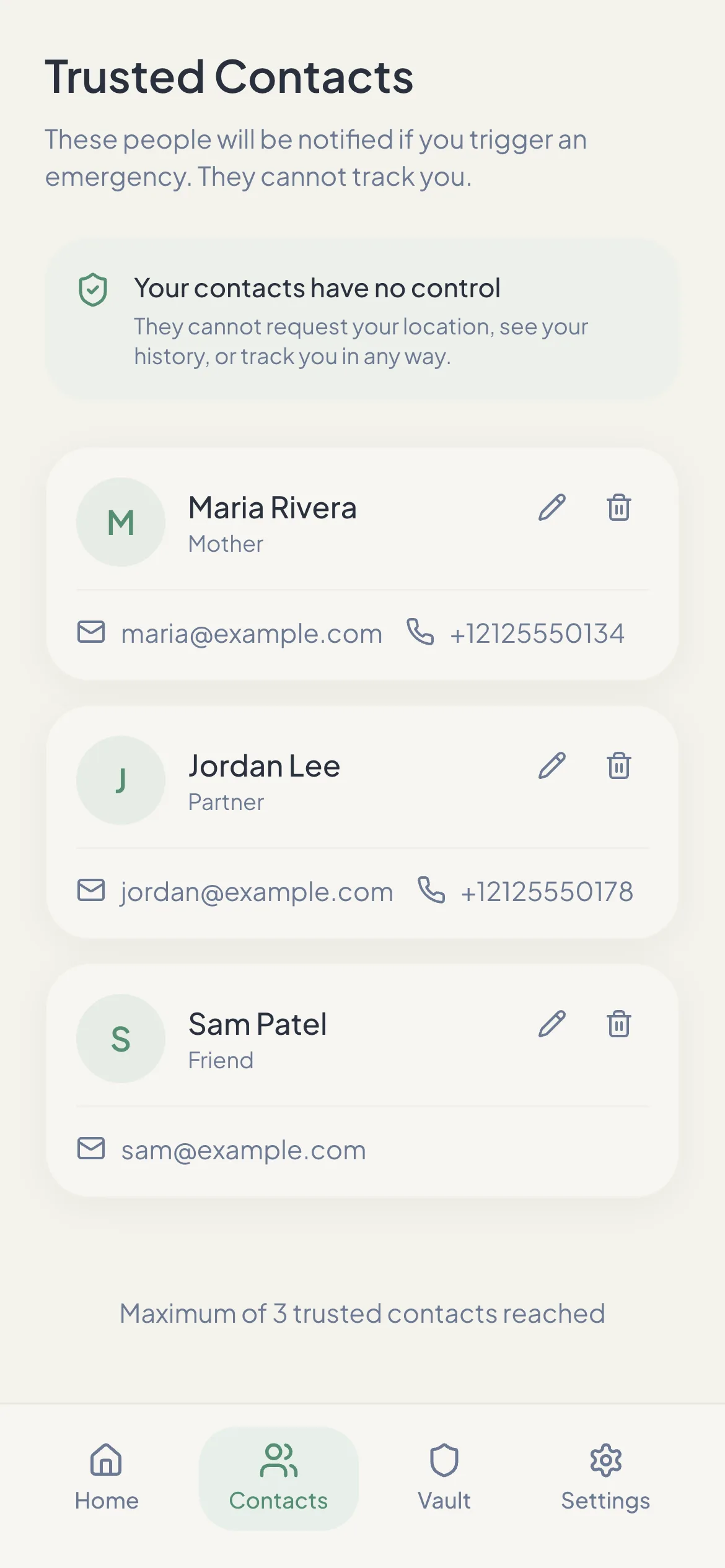
Learn moreChoose up to 3 people. They don’t need OneTapAlert installed — an alert arrives as an email, and on paid plans as texts and a phone call.
Learn moreSet a check-in timer for a walk, a date or a late shift. If you don’t turn it off in time, OneTapAlert alerts your contacts from our servers — even if your phone is off.
Learn moreOn a paid plan, contacts also get text messages and an automated phone call from +1 877 405 9946, so an alert is hard to miss.
Learn moreHow it works
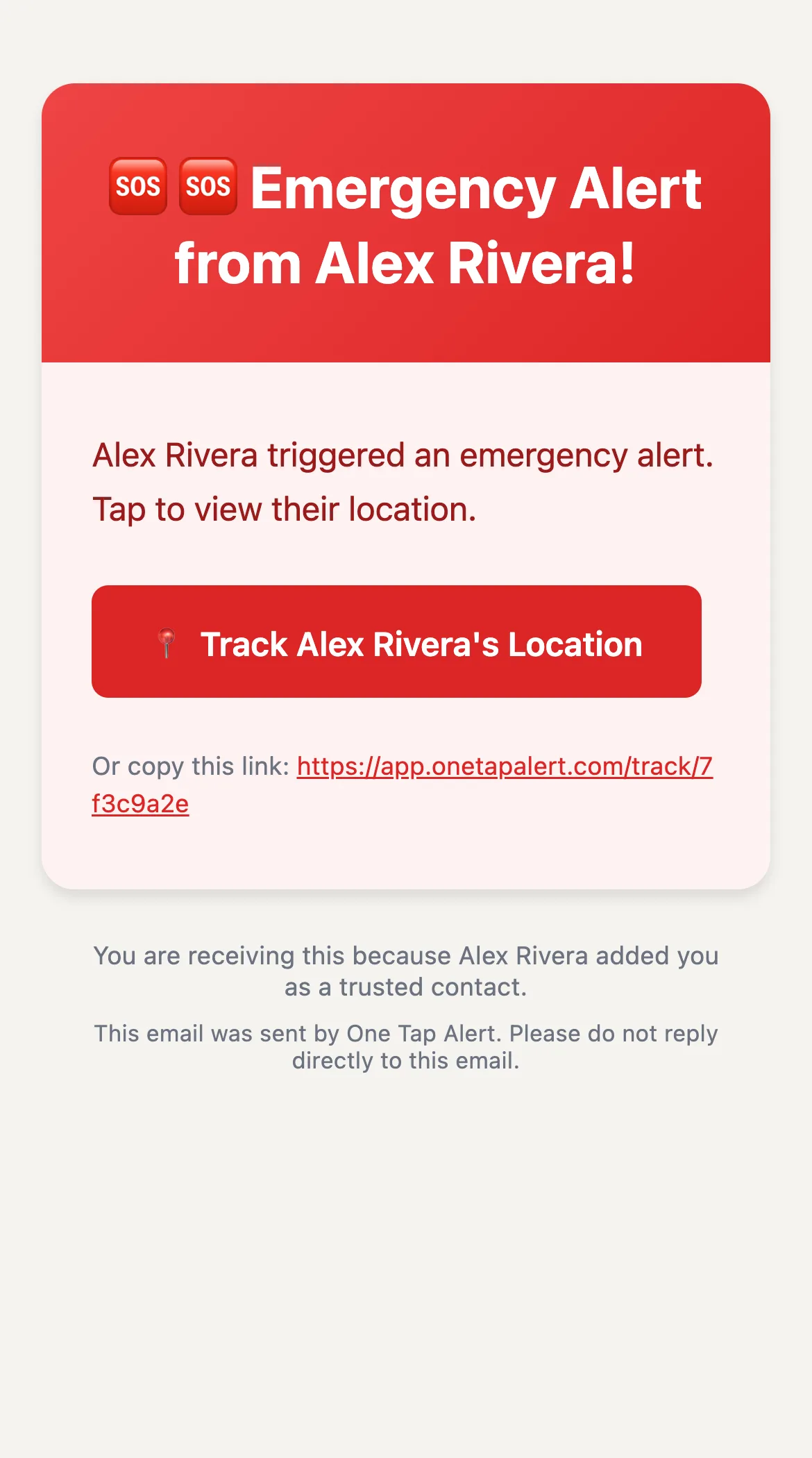
Email alert + live location link
Adds SMS, an automated voice call and the safety timer
For your contacts
The people you add don’t need OneTapAlert, an account or a smartphone app. They need an email inbox — and for paid alerts, a phone that can get texts and calls.
Who it’s for
Exploring a new city or hiking alone, with someone back home who can see where you are if something goes wrong.
A single large button for a parent who lives alone, and a clear alert for the family members who look out for them.
Walking back from the library or a party late at night, with a safety timer that checks in for you.
Home visits, deliveries and site work where nobody else is around. Set a timer for the length of the job.
Late commutes and empty parking lots. One hold of the SOS button reaches the people who would want to know.
Runs, rides and day hikes. Share your location if you need help; the timer covers the hours you expect to be out of reach.
Know what you’re choosing
Your iPhone or Android phone already has emergency features, and some apps sell professional dispatch. OneTapAlert does something simpler: it gets an alert and your location to the people you choose, on any phone, without calling 911 first.
How to choose a safety appPricing
Prices are in US dollars. Paid features are the same on monthly and annual plans.
$0 forever
Email alerts with your live location.
$5.99 / month
Texts and calls so an alert is hard to miss.
Best value · save 65%
$24.99 / year
About $2.08 a month, billed once a year.
All plans include up to 3 trusted contacts. Cancel a paid plan anytime. In the iPhone and Android apps, subscriptions are billed through the App Store or Google Play.
Privacy
Your GPS position and its accuracy, your name, and any message or photo you add to the alert.
Only after you send an SOS or a safety timer you set runs out. OneTapAlert does not share your location in the background otherwise.
Only the trusted contacts you added. They can’t request your location, see your history or track you outside an alert.
Until you press Stop. Every location link expires after 24 hours at most. Read the Privacy Policy.
Good to know
OneTapAlert is not an emergency service. It alerts the people you choose. It does not contact 911 or dispatch help. If you are in immediate danger, call 911 or your local emergency number.
No. Contacts receive alerts by email — and on a paid plan by text message and an automated phone call too. The location link opens in any web browser, with no app or account needed.
No. OneTapAlert alerts the people you choose; it does not contact emergency services or dispatch help. If you are in immediate danger, call 911 or your local emergency number first.
SOS email alerts to up to 3 trusted contacts, with a live location link. Text messages, automated voice calls and the safety timer are part of the paid plans. Compare plans.
No. Contacts only see your location after you send an alert, through a private link. Sharing stops when you press Stop, and the link expires after 24 hours at most.
An SOS needs a data or Wi‑Fi connection to send. There is no offline queue, so an alert cannot be delivered while you are disconnected. A safety timer you already started is the exception: it runs on our servers and still alerts your contacts if it expires.
Set up your trusted contacts in a few minutes. The free plan sends SOS email alerts with a live location link. No credit card needed.